A new feature in version 4.0 is the ability to view the change script before applying changes.
A recent feature introduced in version 3.0 is printing support. The content of any grid can be sent to the printer or exported to a PDF file.
Also introduced in version 3.0 is the ability to customize the look and feel of the application using styles.
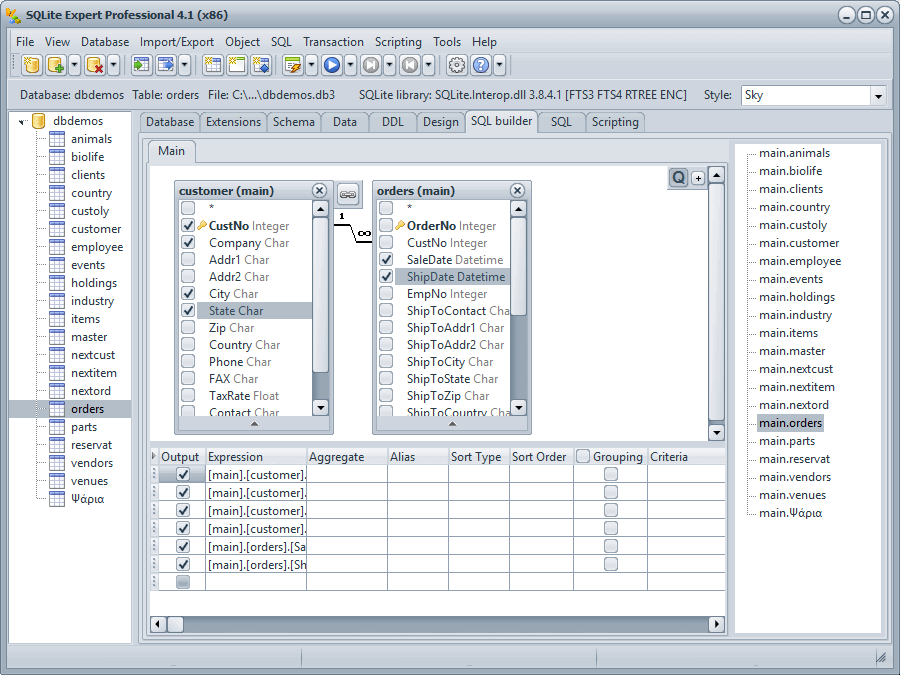
If you are not an SQL expert but want to create complex queries visually, you can use the integrated Query Builder to generate SQL SELECT queries in a visual interface.
SQLite Expert allows users to easily execute SQL scripts and display the results in the grid or as text. The result set is also editable if all columns in the selection query are from one table.
SQLite Expert supports syntax highlighting, saving and loading scripts to/from files, SQL history, and interrupting the execution of long running queries.
SQLite Expert allows users to insert, delete and edit the table data in the grid.
You can just click a grid cell and modify its value. Clicking on the "Post" button in the navigator panel will save the data to database. You can use Up, Down, PageUp and PageDown keys to traverse the grid cells.
You can also display a table or a query result set in text format.
SQLite Expert allows restructuring tables without losing data already existing in the tables. Restructuring a table is wrapped in a nested transaction which is rolled back if any error occurs when applying changes to the table.
Indexes can be added, deleted, modified and renamed visually. SQLite Expert supports index field collation and reordering, primary, unique and autoincrement indexes and conflict clause editing.
SQLite introduced full support for foreign keys in version 3.6.19. Beginning with version 2.2, SQLite Expert allows editing of foreign keys visually. Foreign keys can be added, deleted and modified.
Triggers can be added, deleted, modified and renamed visually.
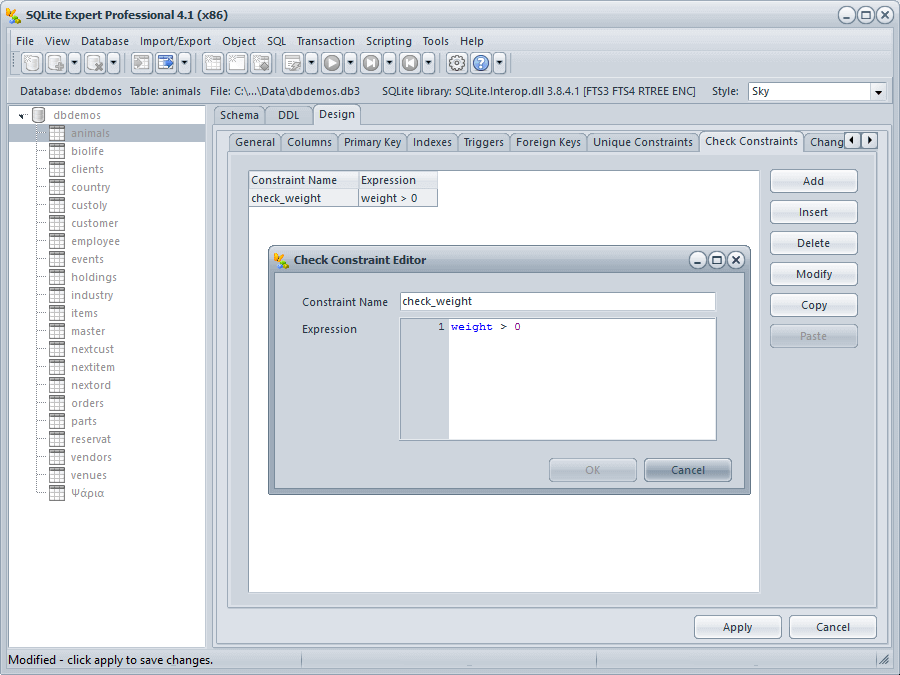
Check constraints can be added, deleted, modified and renamed visually.
Unique constraints can be added, deleted, modified and renamed visually.
Views can be added, deleted, modified and renamed visually. Temporary views are supported.
If a column holds an image, it can be opened in an Image Editor as shown in the screenshot.
Currently supports BMP, PNG, JPG, GIF and ICO formats.
The content of any field can be displayed and edited in a hex editor.
Load and unload SQLite extensions. Auto extensions are supported in the Professional Edition.
SQLite Expert offers the unique feature to display the functions and collations installed by any SQLite extension.
A recent feature is the record editor, very useful for tables with a large number of columns.
SQLite Expert currently supports the following methods for importing and exporting data: